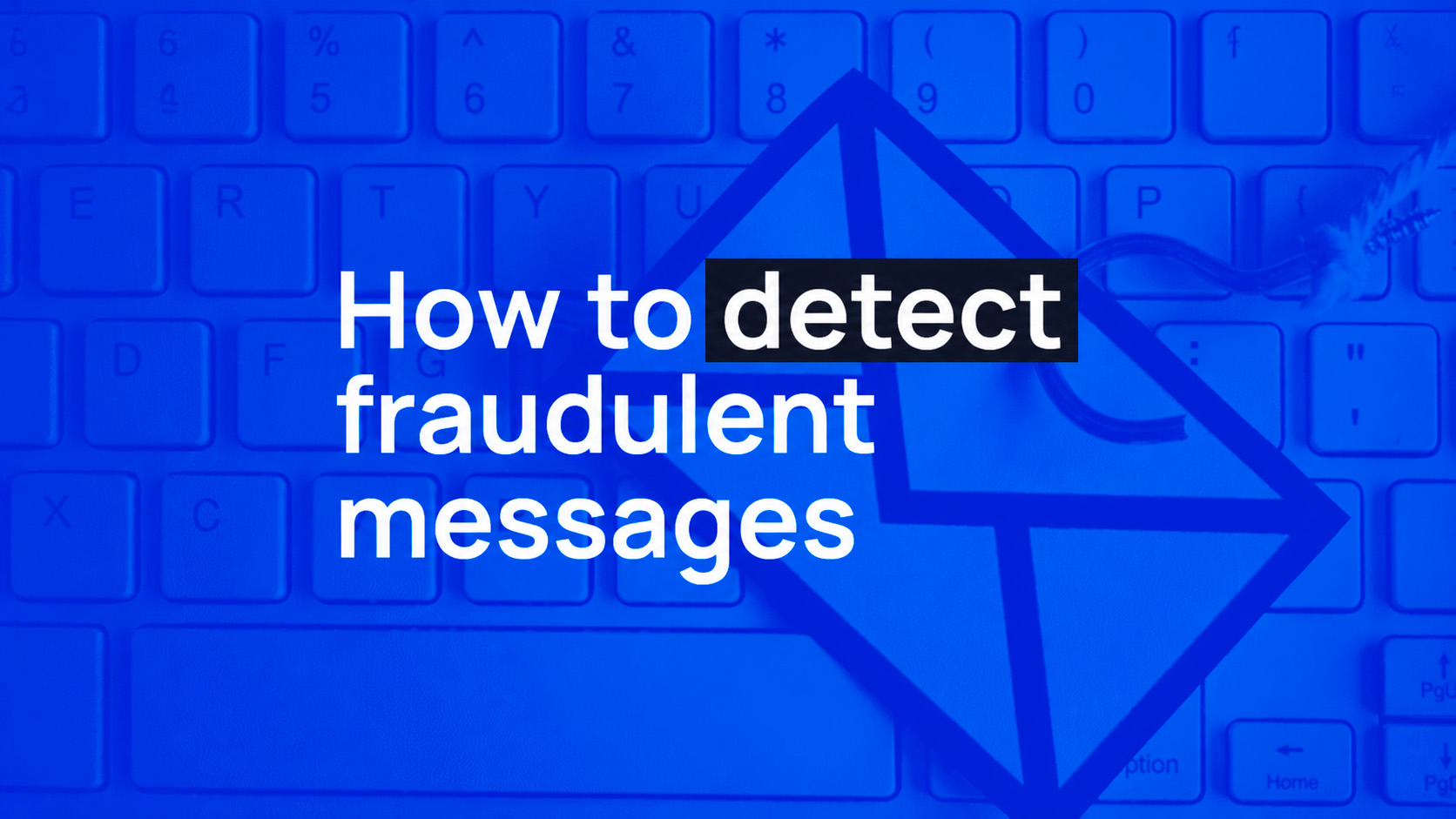
At Bit2Me we want to help you correctly identify our official communications and recognise possible impersonation attempts. This article is for information only. You don’t need to take any specific action when you read it.
What are phishing and smishing?
Phishing and smishing are two increasingly common fraud techniques in the crypto sector. Phishing arrives by email: attackers imitate Bit2Me’s visual identity and tone of voice to get you to click a malicious link or enter your credentials on a fake website. Smishing is the same tactic, but by SMS: a message that seems urgent and is designed to make you act without thinking.
The goal in both cases is the same: to steal your login details or your funds.
How Bit2Me communicates
For your security, please keep the following in mind:
- Bit2Me does not send SMS messages with links to confirm sensitive changes or authorise transactions. If you receive one, it isn’t from us.
- We will never ask you for your password, your 2FA codes or your recovery phrase by email, SMS or phone call.
- No member of the Bit2Me team will contact you via Telegram, SMS or any other unofficial channel to request private information.
- Email communications always come from the @bit2me.com domain. Any variation (e.g. @bit2me-soporte.com, @bit2meapp.com, @bit2me.net) is suspicious.
How to identify a fraudulent message
The sender isn’t official
The most important sign of authenticity in an email is the sender’s domain. Check that it’s exactly @bit2me.com. Domains with slight variations or typos are an immediate red flag.
The link doesn’t point to bit2me.com
Before clicking any link, hover over it (without clicking) to see the real URL. It should point to https://www.bit2me.com. If you see a different URL, with a different domain or a link shortener (bit.ly, tinyurl or others), don’t click it. Open your browser and type www.bit2me.com directly.
It creates artificial urgency
Phishing and smishing attacks try to cause panic so that you act without thinking. If a message pressures you to act immediately, take a moment before doing anything.
Messages like these are always suspicious:
- “Your account has been blocked. Verify your identity now or you’ll lose access.”
- “Your balance will be suspended in 2 hours.”
- “Your withdrawal of €2,500 is pending confirmation. If this wasn’t you, cancel now.”
You receive a 2FA code you didn’t request
If you receive a verification or 2FA code that you didn’t request yourself, ignore the message and don’t click any attached link. It’s a sign that someone is trying to access your account.
Have you received a message that raises doubts?
If you’ve received an email, SMS or social media message claiming to be from Bit2Me and you’re not sure it’s genuine, don’t interact with it.
You can check whether a link or communication is official using:
🔍 Bit2Me Verify — https://bit2me.com/es/verificacion
You can also review our security measures and certifications at:
🔐 https://bit2me.com/es/seguridad
What to do if you’ve clicked a suspicious link
If you have the slightest suspicion that you’ve entered your details on a fake site, act immediately:
- Change your password from the official Bit2Me website.
- Enable or review your 2FA. Two-factor authentication is the most important layer of protection for your account.
- Report the fraud attempt by forwarding the suspicious email or SMS to support@bit2me.com. Our security team will investigate and take action to block the attacker.
What to do if you’re ever in doubt
The correct route is always to open a support ticket from the official Bit2Me app or website. Don’t reply to the suspicious message or call any number that appears in it.
Your security is our priority. Thank you for helping us keep your account protected.
Kind regards, The Bit2Me Team

 Author